
Squarespace vs WordPress
Squarespace vs WordPress: Which Platform Offers More Flexibility?
“Flexibility” is one of those words people use to win arguments without defining anything.
So let’s define it like a normal person who has deadlines:
- Can I change the design without fighting the builder?
- Can I add weird features later (memberships, directories, custom forms, gated content)?
- Can I change how content works (not just pages/posts, but custom stuff)?
- Can I integrate with whatever tools I’m already using?
- Can I move later without a total rebuild?
With that lens, WordPress is the clear flexibility champ.
But it also hands you the keys to the engine room. For beginners, that’s not always a gift.

The short answer (then we’ll get practical)
- WordPress (self-hosted) = maximum flexibility. Themes, plugins, custom code, custom content types, APIs, headless builds. You can build almost anything.
- Squarespace = flexibility inside a curated box. Great styling controls, solid blocks, and some custom code options—but you don’t get “rewrite the rules of the platform” power.
If you’re asking “which offers more flexibility,” it’s WordPress.
If you’re asking “which offers enough flexibility without becoming a second job,” that’s where Squarespace fights back.
1) Design flexibility: “pixel freedom” vs “guardrails”
Squarespace design flexibility
Squarespace is built around templates + a controlled editor. You can make a site look great fast, and it stays consistent. That’s the upside.
The downside is the same thing: you’re not getting total control over every style attribute. You can push it, but the platform is designed to stop you from creating chaos.
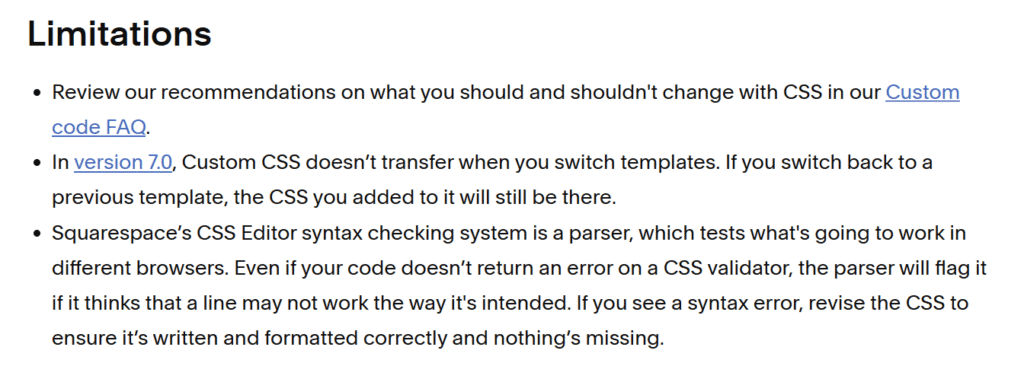
If you’re comfortable with CSS, you can do a lot.
But you’re still styling within Squarespace’s structure.
WordPress design flexibility
WordPress is basically: pick your level of chaos.
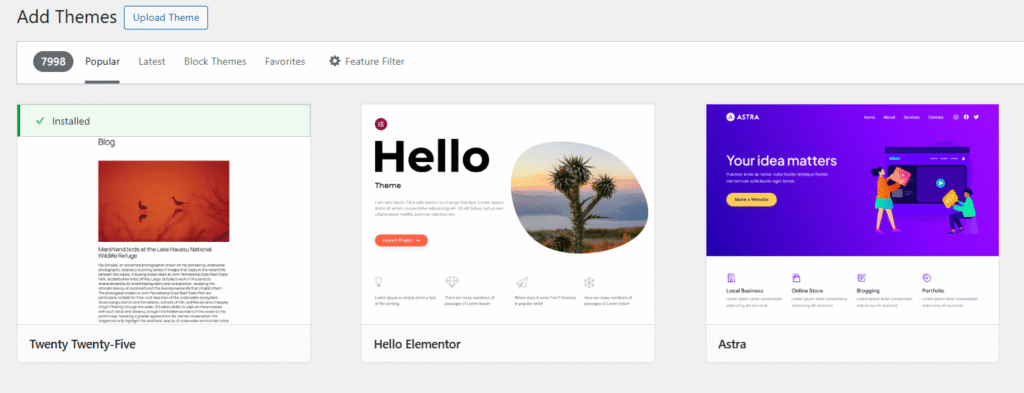
- Use a theme + block editor and keep it simple.
- Use a page builder.
- Build your own theme.
- Go headless and treat WordPress like a content API.
WordPress themes are real code (HTML/CSS/PHP). That’s not “flexible.” That’s “you can literally rewrite the site.”
2) Feature flexibility: plugins vs “extensions + workarounds”
Squarespace features: solid basics, fewer “weird” options
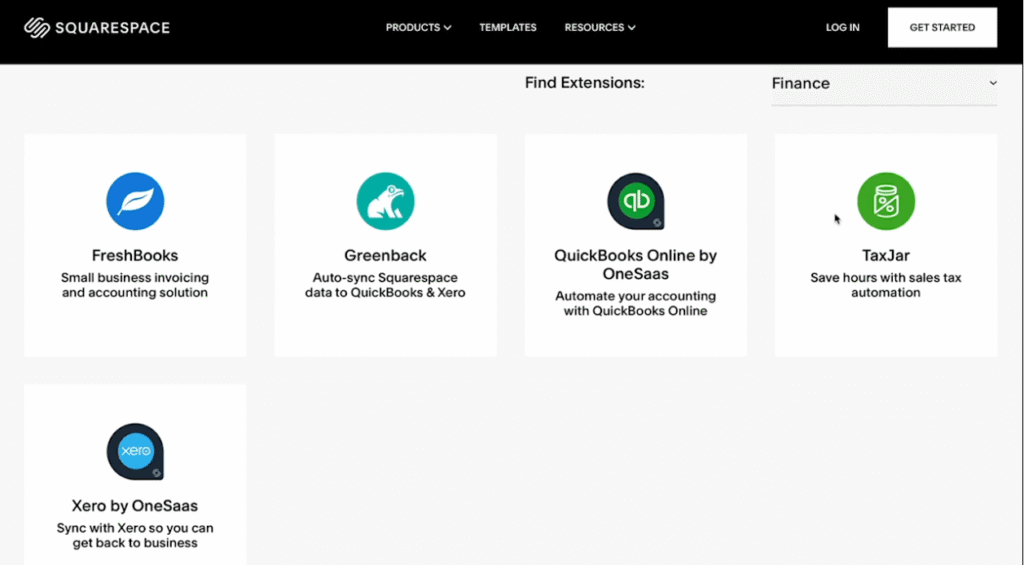
Squarespace covers a lot out of the box: pages, blogging, portfolios, scheduling-ish via integrations, basic commerce, forms, etc.
When you need to go beyond that, you have a few tools:
- Extensions (third-party services that connect)
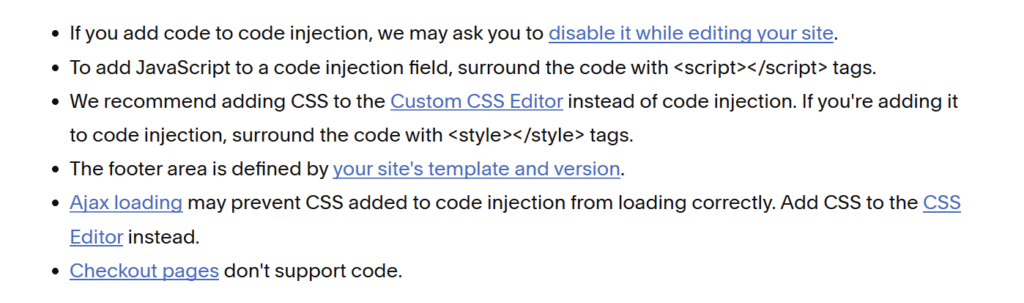
- Code blocks
- Code injection for scripts/snippets
- Custom CSS
Code injection is useful for analytics, widgets, and adding scripts.
But it’s not the same as “install a plugin that changes site behavior deeply.”
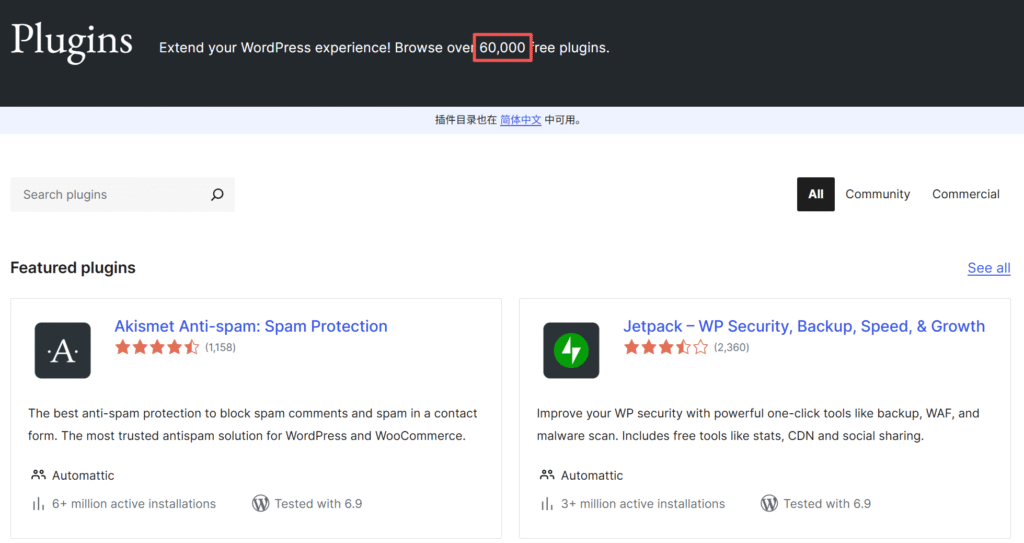
WordPress features: plugins are the whole game
Want memberships? There are plugins.
Want an LMS? Plugins.
Want multilingual? Plugins.
Want a custom checkout, subscriptions, complex inventory rules? Plugins.
Want to build your own plugin? Also yes.
That’s why WordPress stays “flexible” long after you outgrow your first site idea.
3) Content model flexibility: this is where Squarespace hits a ceiling
Here’s a beginner-friendly example.
Say you want a “Team Members” section with:
- headshot
- job title
- office location
- specialties
- calendar link
- and a filter/search
In WordPress, that’s a custom post type with custom fields. It’s a normal Tuesday.
In Squarespace, you’re usually forcing it with pages, summaries, blog posts, or a third-party tool.
WordPress also has a mature ecosystem around APIs and custom content.
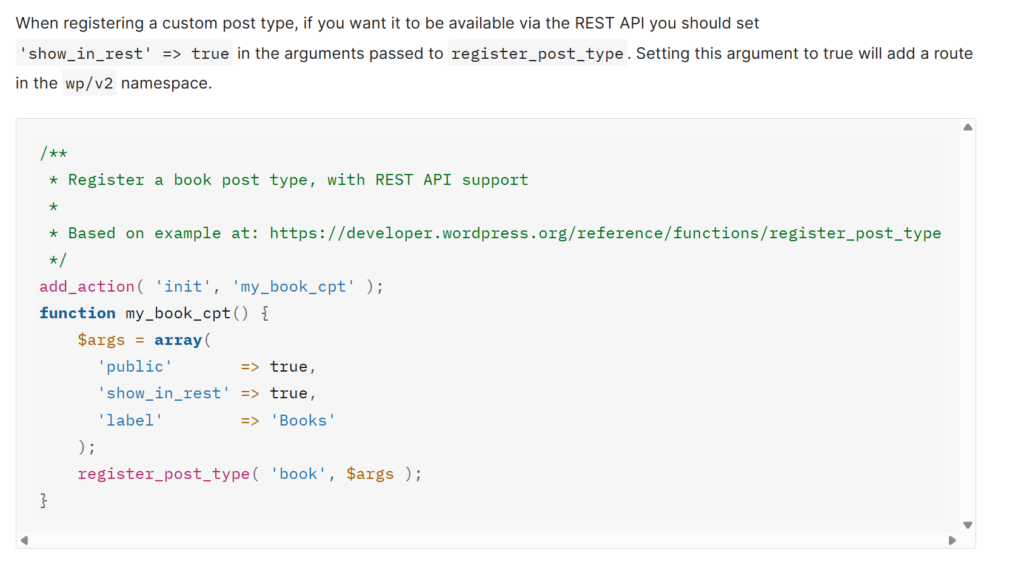
This is the kind of “flexibility” that matters once your site becomes more than a brochure.
4) Code flexibility: “snippets” vs “own the stack”
Squarespace lets you add code. That’s real. But it’s mostly:
- front-end CSS tweaks
- scripts in header/footer
- embeds
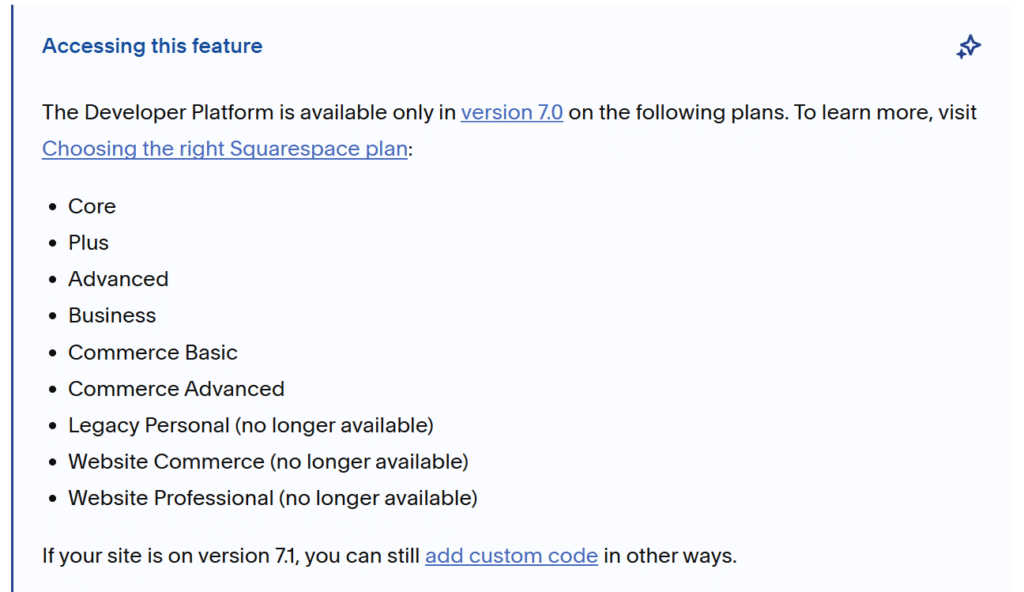
Squarespace’s Developer Platform exists, but there’s a big catch:
- it’s tied to older Squarespace versioning, and even then it has hard limits (no server-side custom code).
WordPress is open-source. You can change the code, change hosts, change how the theme works, build custom plugins, and do server-side logic.
That’s why WordPress wins on flexibility. It’s not close.
5) The cost of flexibility: maintenance (and yes, security)
Flexibility isn’t free. WordPress sites can get messy:
- plugin conflicts
- theme updates that break layouts
- performance issues from plugin bloat
- security exposure if updates are ignored
Squarespace avoids a lot of this by controlling the platform.
WordPress can be totally stable, but stability is something you actively maintain (or pay someone to maintain).
How it compares to Wix and Webflow (so you don’t get stuck in a false binary)
- Wix is closer to Squarespace: easy builder, lots of features, still guardrails. Flexible enough for many small sites, but not “build anything” flexible.
- Webflow is design-flexible in a way Squarespace isn’t. But it’s also more work. If you’re a beginner who just wants a site live, Webflow can feel like taking a design class you didn’t sign up for.
If your main requirement is “I want to tinker with design forever,” Webflow is worth a look.
If your main requirement is “I want custom functionality and custom content models,” WordPress is the move.
So… which platform offers more flexibility?
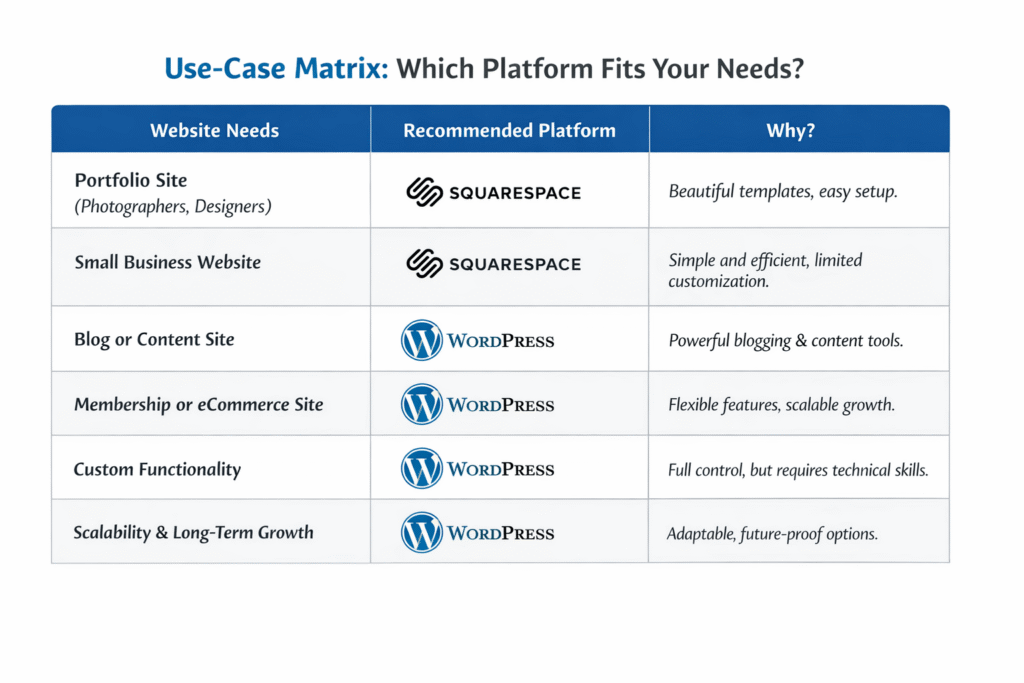
WordPress offers more flexibility if you need:
- custom features beyond basic site + blog + simple commerce
- custom content types (directories, listings, databases-ish structures)
- deep integrations and automation
- ownership/control over hosting and code
Squarespace is “flexible enough” if you need:
- a clean site that looks professional fast
- fewer things to maintain
- basic integrations + analytics + marketing scripts
- design tweaks without becoming your own IT department
Who should skip WordPress (even if it’s “more flexible”)?
If you know you won’t maintain updates, don’t have a dev, and don’t want to think about hosting/security, WordPress can become a slow-motion headache.
In that case, Squarespace is the smarter kind of flexible: the kind that doesn’t punish beginners.