Shopify vs WooCommerce
Shopify vs WooCommerce: A Practical Comparison for Beginners
Most “Shopify vs WooCommerce” posts read like a feature spreadsheet with feelings.
That’s not how beginners choose.
Beginners choose based on:
- “Can I launch this weekend?”
- “Will this break if I click the wrong update?”
- “Am I about to pay $300/month and not notice?”
- “Who helps me when my checkout is on fire?”
So here’s a practical comparison, written for people who just want to start selling without accidentally signing up for a part-time IT job.
The beginner shortcut: what you’re really buying
Shopify = you’re buying a hosted system
You log in, pick a theme, add products, connect payments, and ship.
You’re paying for:
- hosting you don’t think about
- a consistent admin experience
- fewer “random plugin explosion” moments
WooCommerce = you’re building a store on WordPress
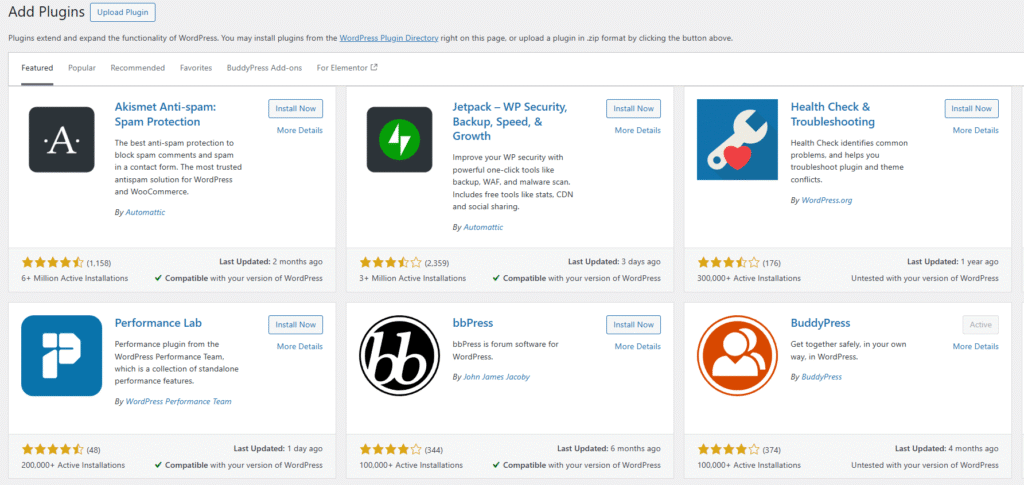
WooCommerce is the ecommerce layer. WordPress is the foundation. Your host is the ground it’s sitting on.
You’re paying (usually) for:
- hosting, domain, email, backups (depending on your setup)
- a theme that behaves
- plugins/extensions when you need more than “basic store stuff”
- your own time (or a developer’s)
If that sounds vague, good. Because “WooCommerce cost” is basically: “How fancy are you trying to get?”
1) Setup speed: who gets you selling faster?
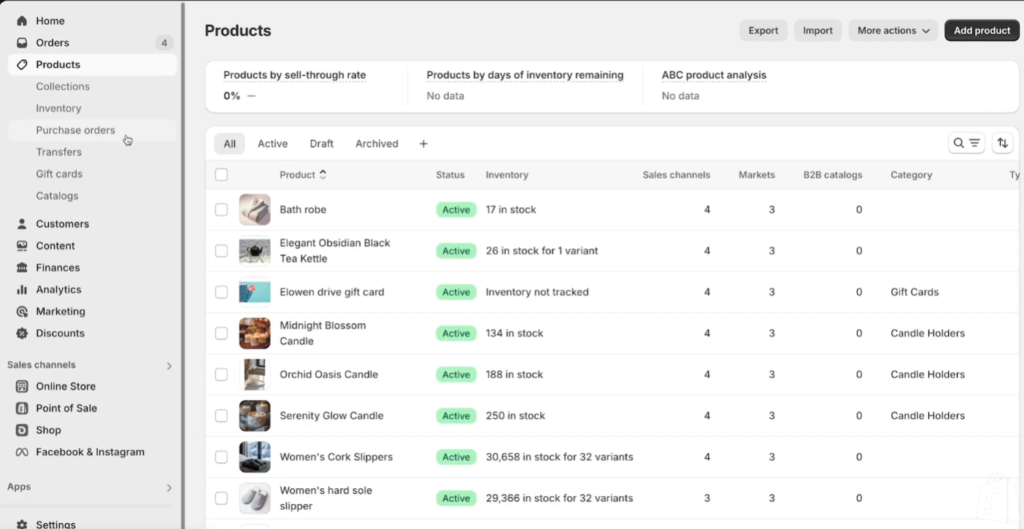
Shopify: fast, predictable, beginner-proof
A realistic beginner flow:
- Start store
- Pick theme
- Add products
- Connect payments
- Set shipping
- Publish
You can actually finish that without reading 11 forum threads.
WooCommerce: you can launch fast… if WordPress doesn’t fight you
The WooCommerce flow usually looks like:
- Buy hosting + domain
- Install WordPress
- Install WooCommerce
- Pick a theme that’s WooCommerce-friendly
- Add the “missing pieces” via plugins (payments, shipping, SEO, cache, backups)
- Debug your first conflict (because it happens)
If you already know WordPress, this is fine. If you don’t, your “store launch weekend” can turn into a “why is my checkout button gone” week.

Beginner reality:
Shopify is the faster path. WooCommerce is the faster path only for people who already live in WordPress.
2) Real costs: the part nobody budgets correctly
Shopify costs are obvious — until apps show up
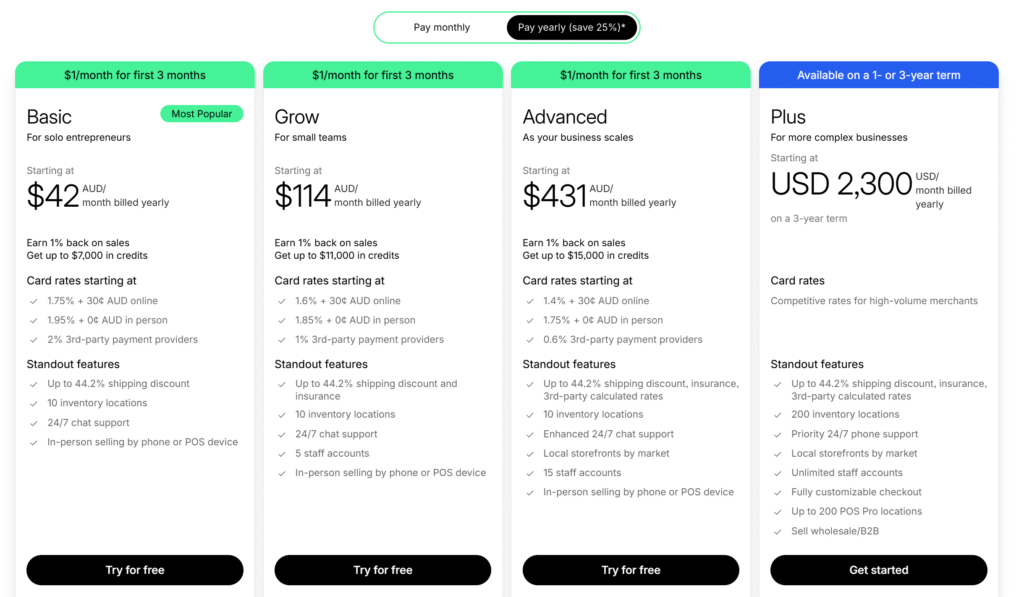
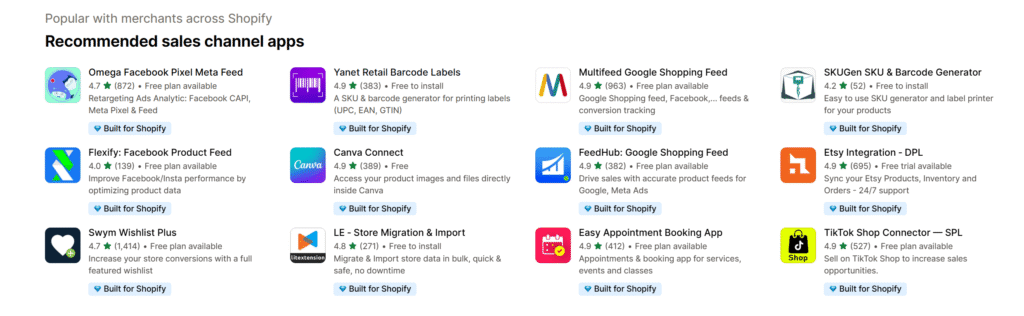
Shopify’s base subscription is predictable. The surprise is the app stack:
- email marketing
- subscriptions
- upsells/bundles
- reviews
- advanced shipping rules
- B2B/wholesale needs
None of those are weird. They’re common. And they can turn “cheap plan” into “why is my monthly bill doing cardio?”
WooCommerce costs hide in the “optional” stuff
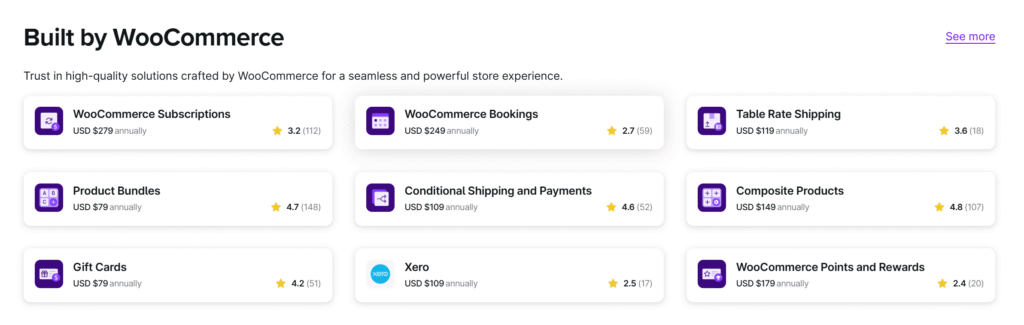
WooCommerce starts as “free,” then real life happens:
- you want subscriptions → extension/plugin
- you want bookings/appointments → extension/plugin
- you want better shipping logic → extension/plugin
- you want speed → better hosting + caching
- you want safety → backups + security hardening
The upside: you can often choose cheaper alternatives. The downside: now you’re the person choosing them.
My rule:
If you value predictable bills and fewer decisions, Shopify feels calmer.
If you value control and don’t mind assembling parts, WooCommerce can be cheaper (or just more powerful for the same money).
3) Design and customization: “looks good” vs “I can change anything”
Shopify: clean theme system, controlled environment
Shopify themes are polished. The editor is approachable. You can get a store that looks professional without “learning WordPress.”
But when you want deep customization, you can hit walls:
- certain checkout changes are limited
- some layouts require code edits
- advanced behavior often means apps
WooCommerce: you can change anything… and that’s the problem
You can customize WooCommerce forever:
- custom product pages
- custom checkout flows
- custom bundles, logic, pricing rules
But the more you customize, the more you own:
- updates can break customizations
- plugins can conflict
- performance can degrade if you stack too much
If you like tinkering, WooCommerce is fun. If you hate tinkering, WooCommerce is a trap.
4) Maintenance and reliability: who keeps the lights on?
Shopify: fewer moving parts
Most beginners underestimate maintenance. Shopify makes it harder to break your store accidentally.
You still have responsibilities (content, products, marketing), but the “website engine” side is mostly taken care of.
WooCommerce: updates are part of the job
With WooCommerce, you’re managing:
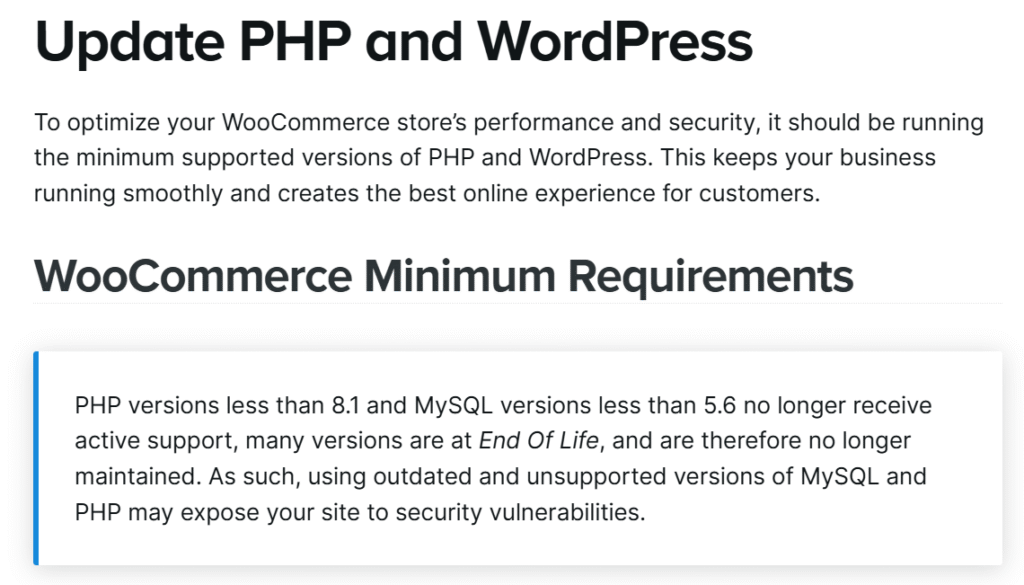
- WordPress updates
- WooCommerce updates
- theme updates
- plugin updates
- backups
- security basics
And yes, sometimes an update breaks something. The smart way to run WooCommerce includes staging/testing, which beginners rarely do at first.
Beginner truth:
If you’re the type who ignores update notifications, Shopify is safer.
5) Performance and SEO: speed is money, content is leverage
Shopify: consistent performance, decent SEO baseline
Shopify tends to perform consistently because the hosting is standardized. Beginners usually get a “good enough” speed baseline.
SEO-wise, Shopify is fine for ecommerce. It’s not a content powerhouse, but it works.
WooCommerce: can be insanely good… or painfully slow
WooCommerce can be fast, but it depends on:
- hosting quality
- caching setup
- theme weight
- plugin bloat
SEO/content is where WordPress shines. If your strategy is “rank with content, then sell,” WooCommerce on WordPress is a natural fit.
How it compares to BigCommerce, Wix, and Squarespace
If you’re still not sure, here are the “third options” beginners skip:
- BigCommerce: more built-in ecommerce muscle than Shopify in some areas, fewer app dependencies for certain features, but the interface can feel more “platform-y.”
- Wix: easiest website builder vibe, great for simple stores, but serious ecommerce can feel constrained as you grow.
- Squarespace Commerce: beautiful templates, smooth for small catalogs, but less flexible for complex inventory/ops.
These aren’t “better.” They’re just different flavors of trade-offs.
Who should pick Shopify?
Pick Shopify if you want:
- the fastest path to a stable store
- fewer technical decisions
- less maintenance stress
- something your future hire can run without rebuilding
Shopify is the “I want to sell, not build infrastructure” choice.
Who should pick WooCommerce?
Pick WooCommerce if you want:
- full control over your site and data
- deep customization (products, checkout, content)
- a store that’s also a serious content site
- the ability to swap hosts, plugins, and devs as you grow
WooCommerce is the “I want to own the whole stack” choice.
Who should skip WooCommerce (even if it’s cheaper)?
Skip WooCommerce if:
- you hate updates
- you don’t have time to troubleshoot
- the thought of plugin conflicts makes you tired already
- you need “works every day” more than “I can customize everything”
If you’re brand new, Shopify is usually the safer first store. You can always move later once you actually know what you need.